Grammar checks
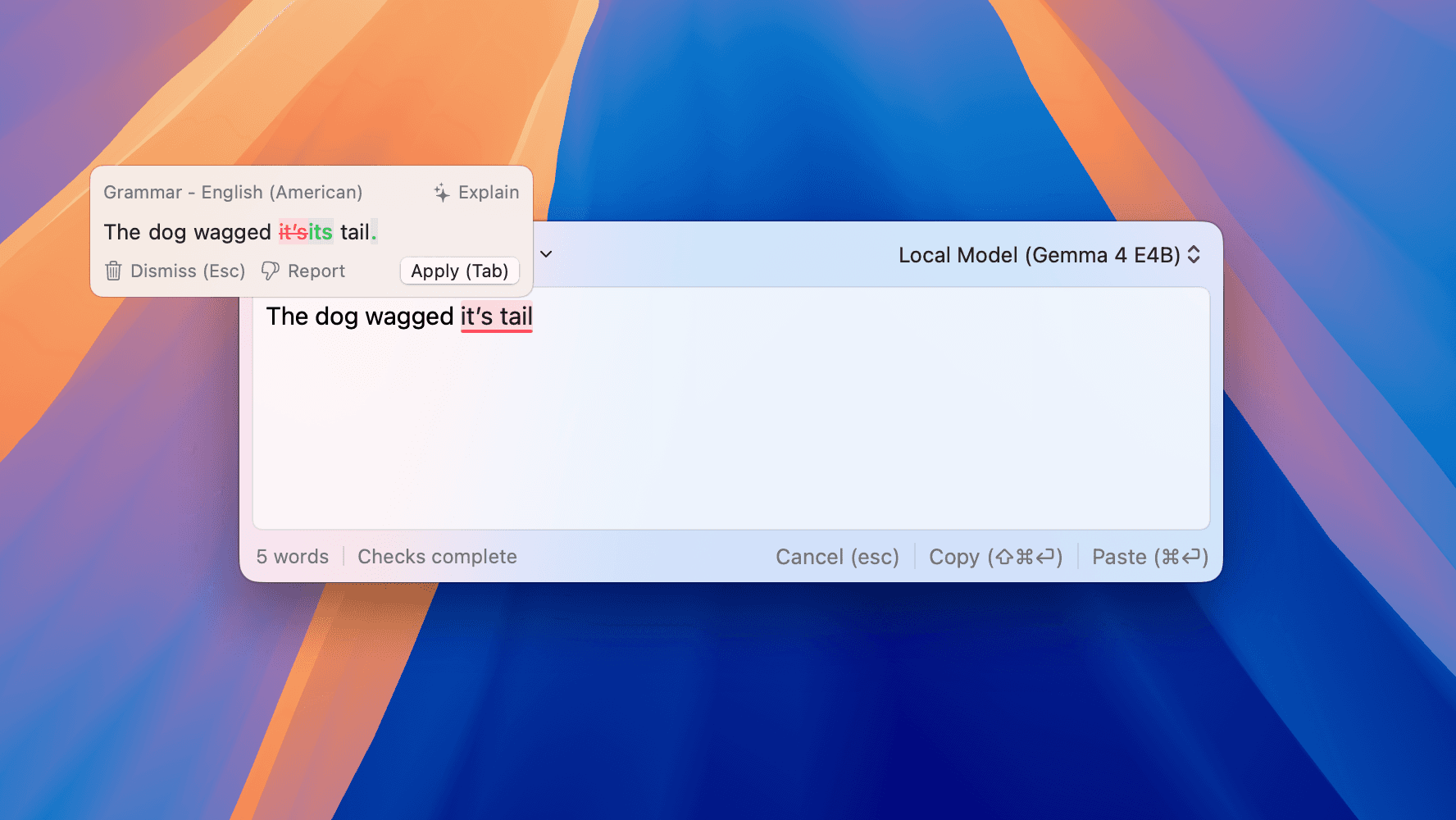
Catch grammar mistakes, typos, punctuation problems, and wording that makes a sentence hard to read.
- Grammar, spelling, typo, and punctuation corrections
- Corrections that focus on mistakes, not changing your style
See how Refine helps you check, rewrite, translate, and manage your writing on Mac.
Refine helps you fix mistakes, make writing clearer, and understand suggestions without leaving the app you are using.
Catch grammar mistakes, typos, punctuation problems, and wording that makes a sentence hard to read.
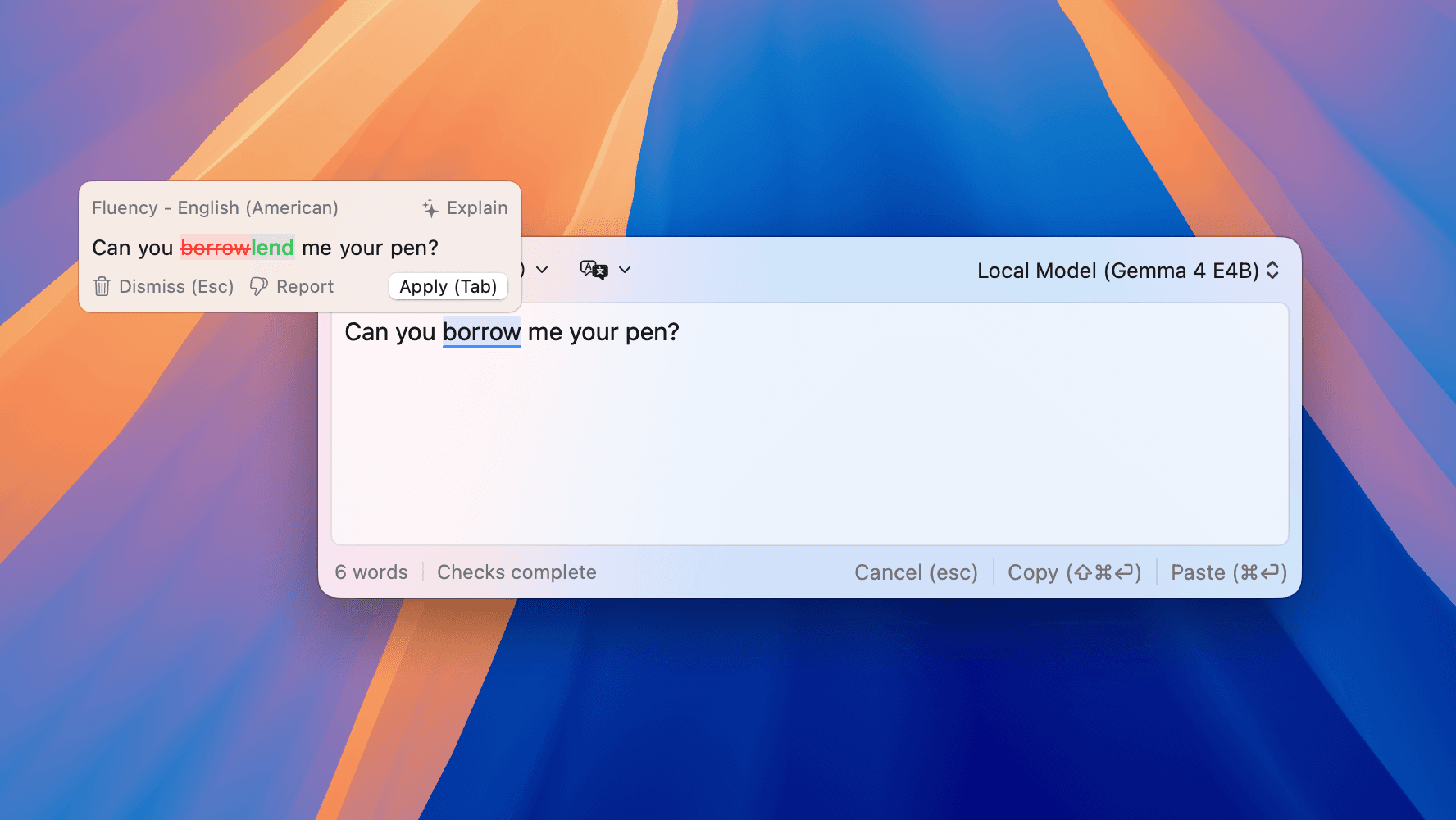
Improve longer phrases or paragraphs so they sound more natural while keeping your original meaning.
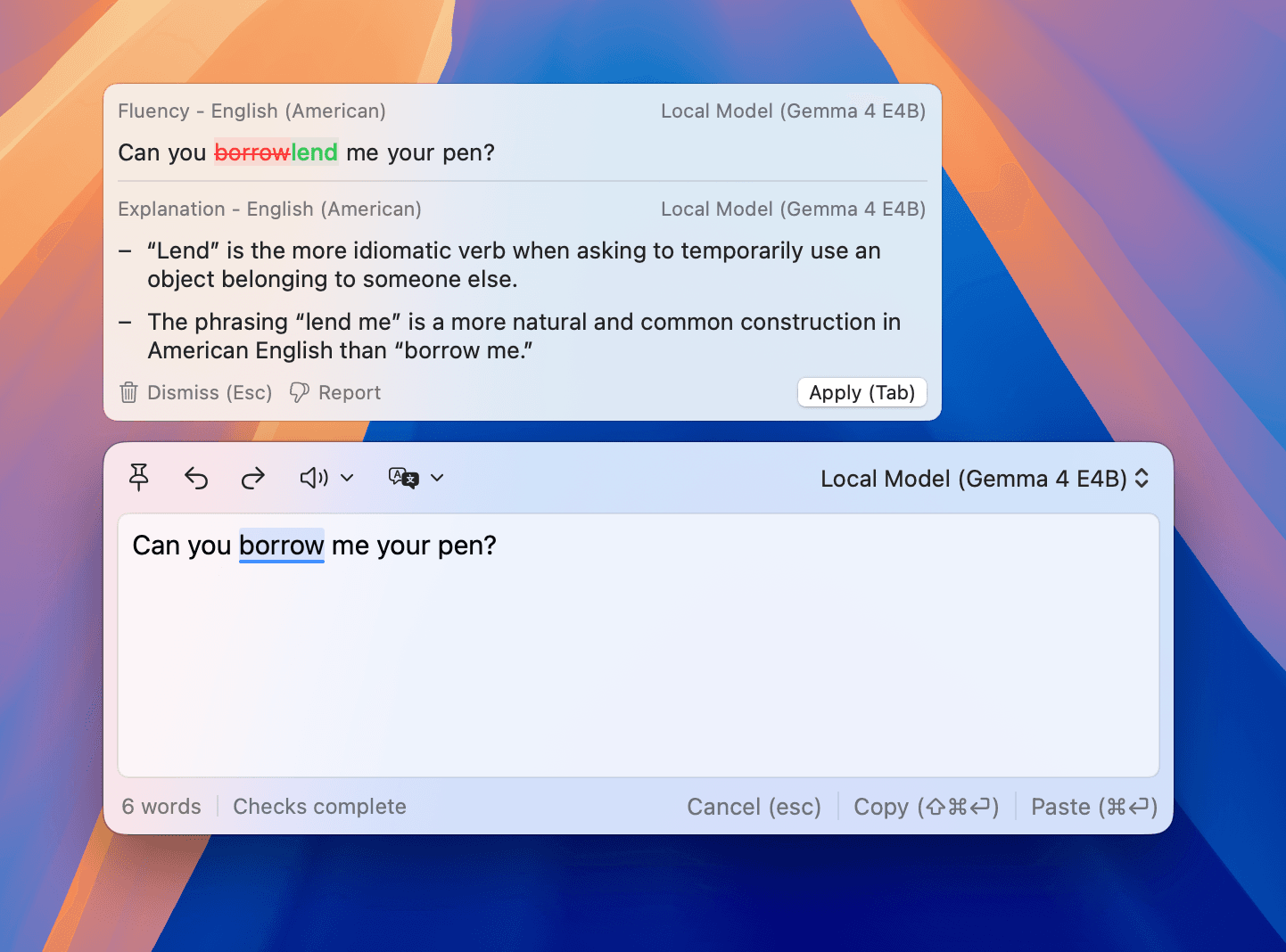
See why Refine suggested a change, with explanations in the language you choose.
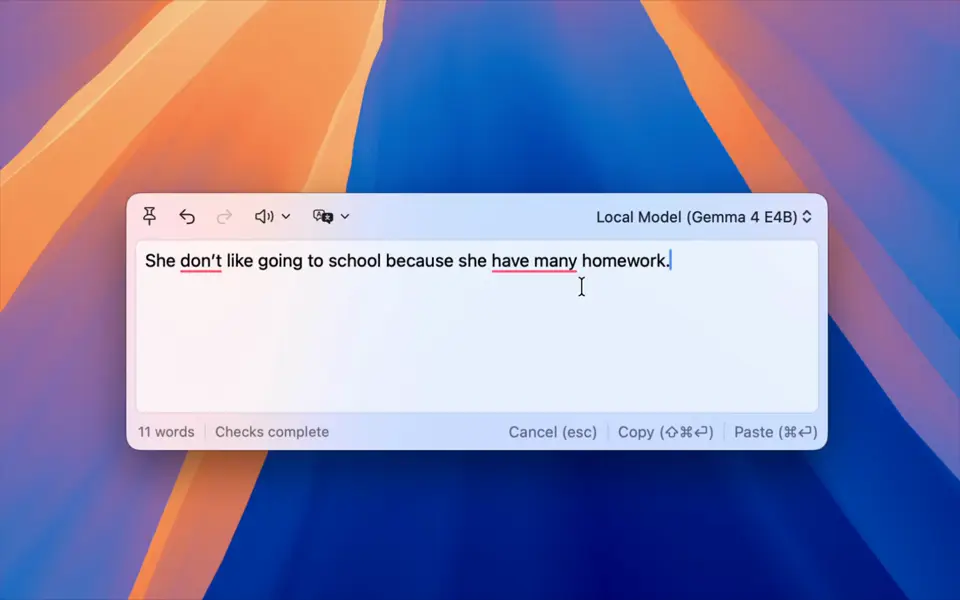
Choose which parts of a suggestion to keep, skip the parts you do not want, then apply the rest.
Refine works in many of the apps and websites where you already write, including browsers, email, notes, editors, and chat apps.
Let Refine check your writing as you type, or switch to manual mode and check only when you press your shortcut.
Choose the keys you want to use for applying or dismissing suggestions.
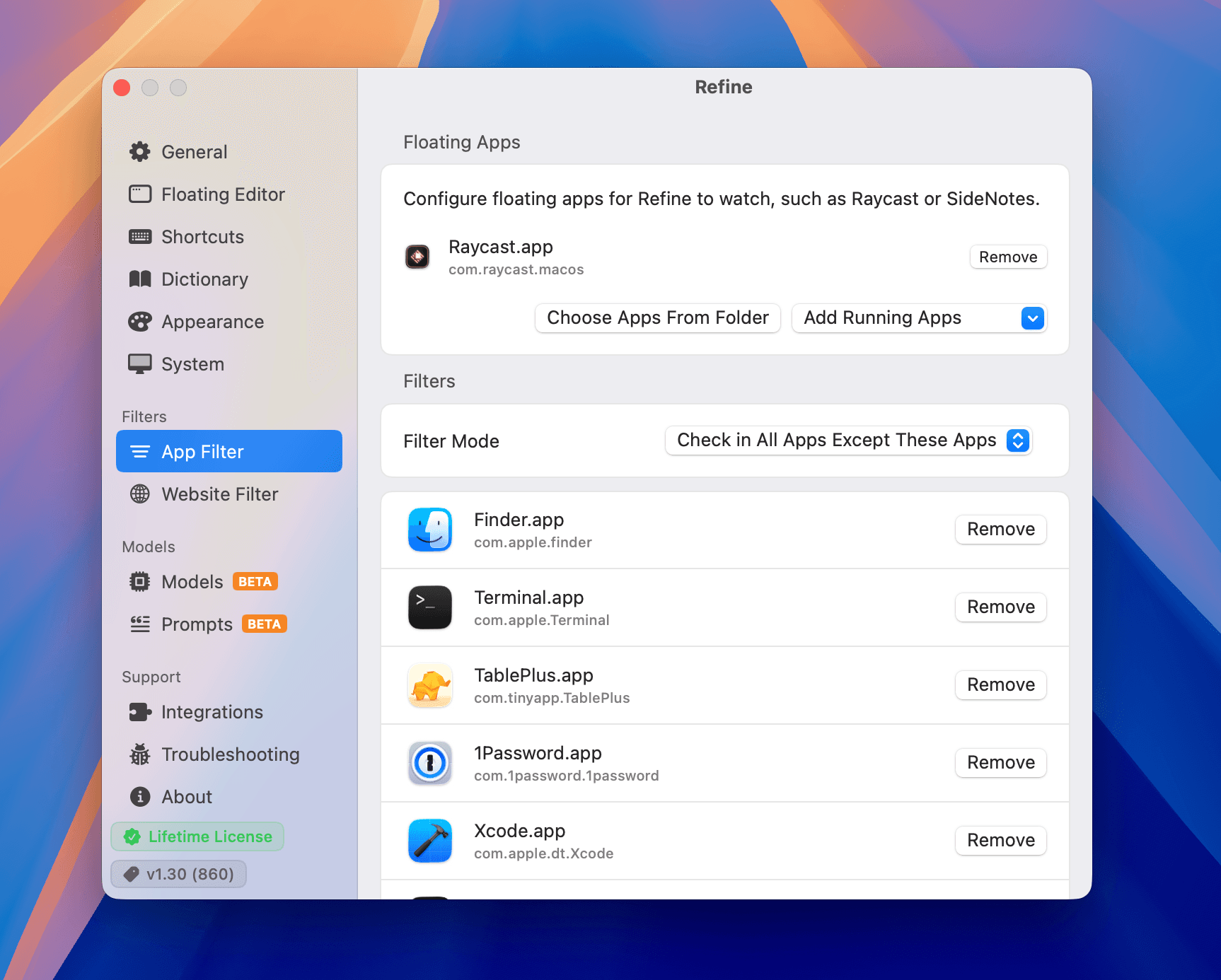
Choose which apps Refine should check, and which apps it should leave alone.
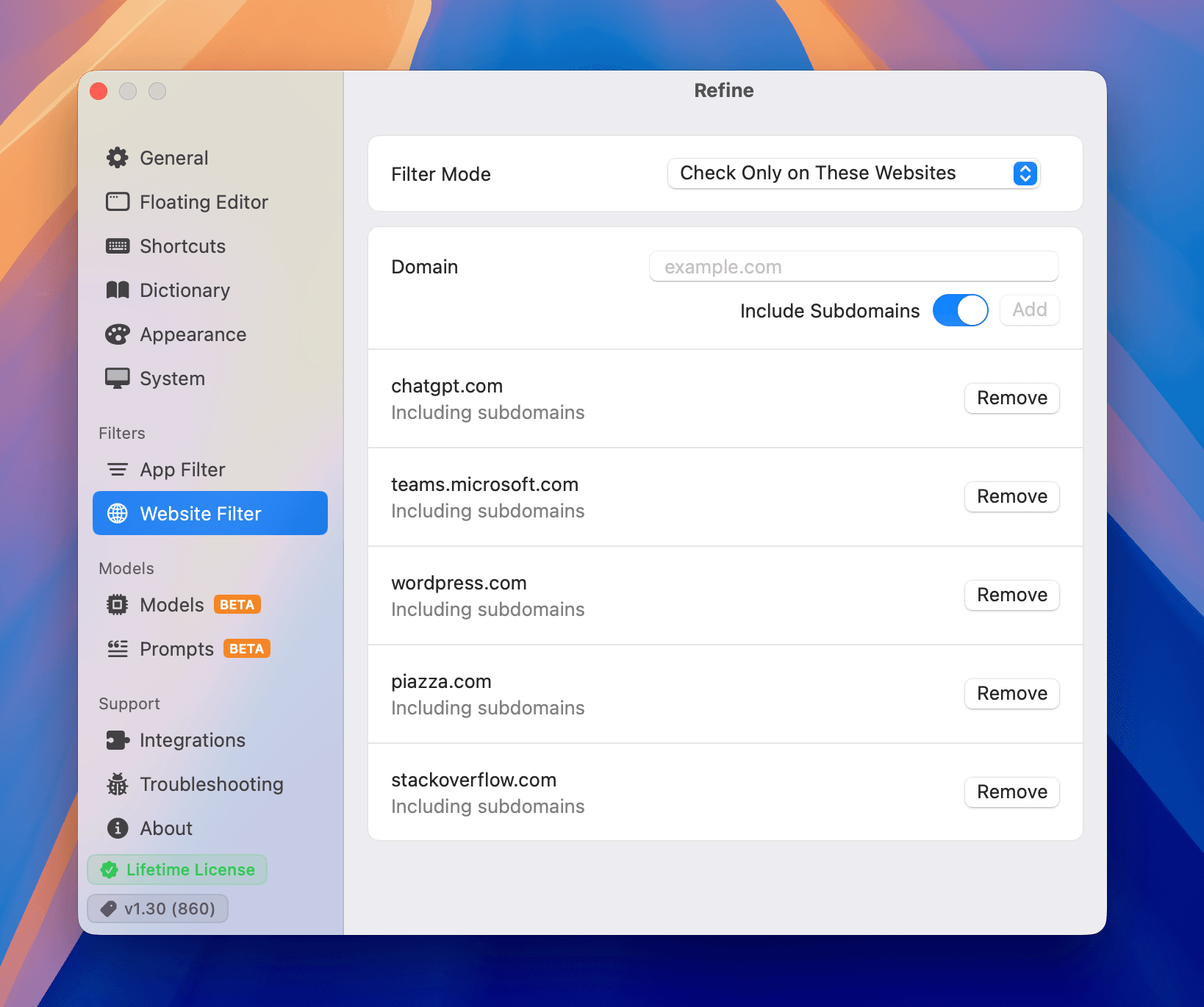
Choose which websites Refine should check in your browser.
Save text you type often, then expand it anywhere with a quick trigger instead of copying and pasting.
The official plugin checks your notes right inside Obsidian, with inline highlights and clear explanations.
Get the Obsidian pluginGet grammar and fluency suggestions without leaving Neovim, with highlights and suggestion cards right in the editor.
Get the Neovim pluginSend selected text to Refine from PopClip when you want a quick check.
Get the PopClip extensionThe Floating Editor gives you a focused space for selected text, longer drafts, rewriting, translation, and reading text aloud. Keep it on top, then copy or paste the result back.
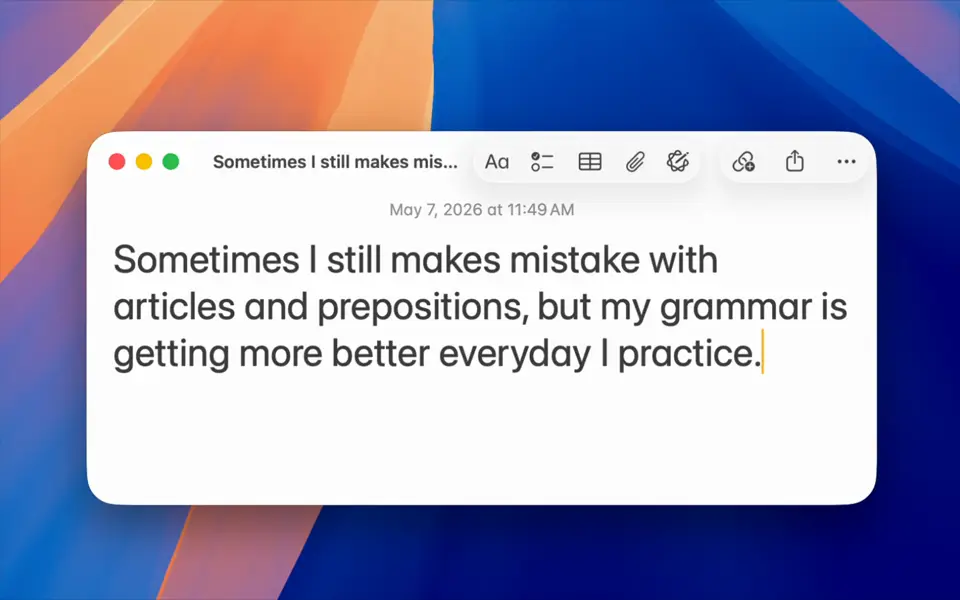
Select text in another app and send it straight to Refine with a shortcut.
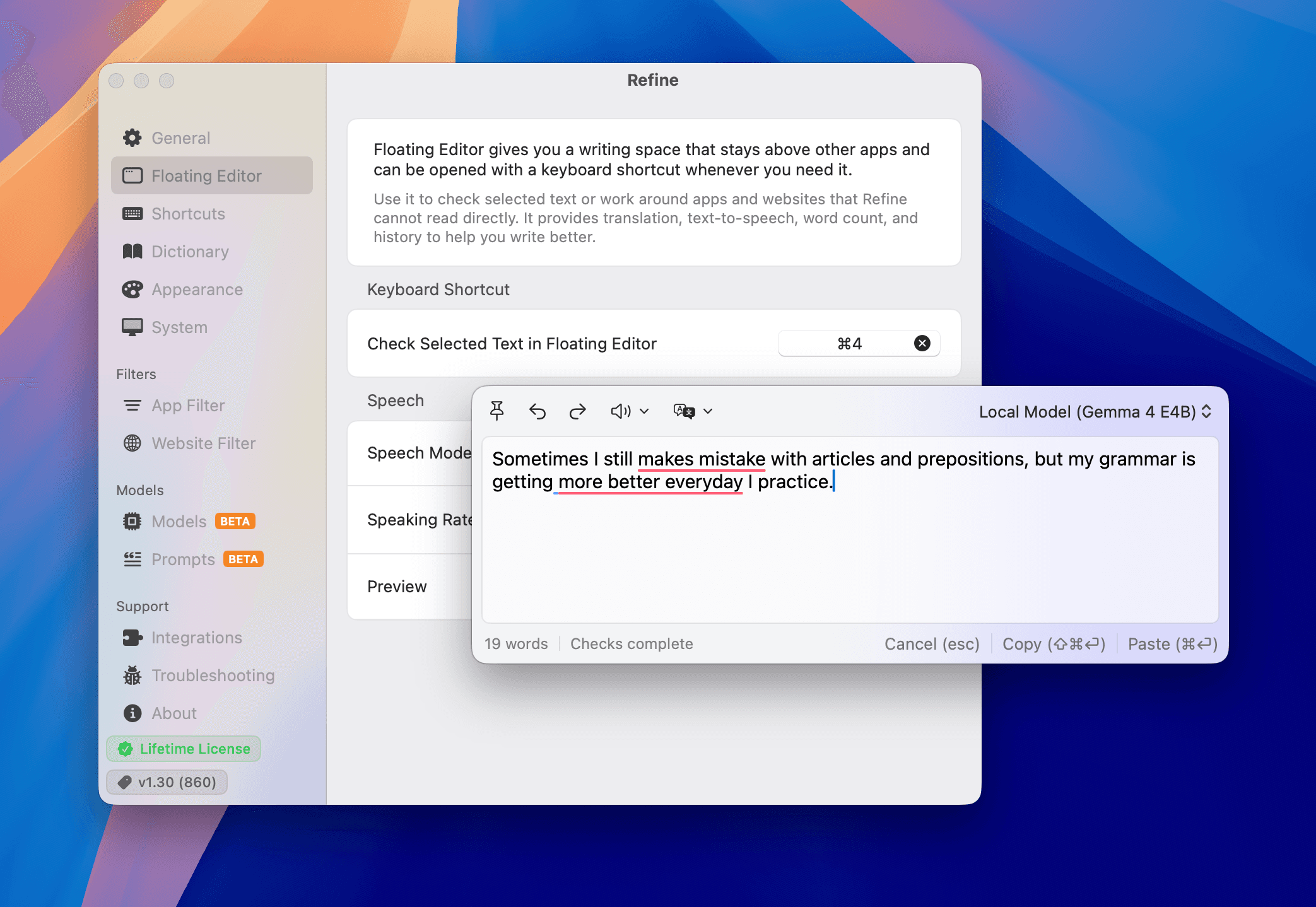
Keep the editor above other windows and resize it for anything from a short sentence to a longer draft.
Rewrite the text in the editor with one click, using a preset that matches the tone you want.
Translate the text in the editor to better understand writing in another language.
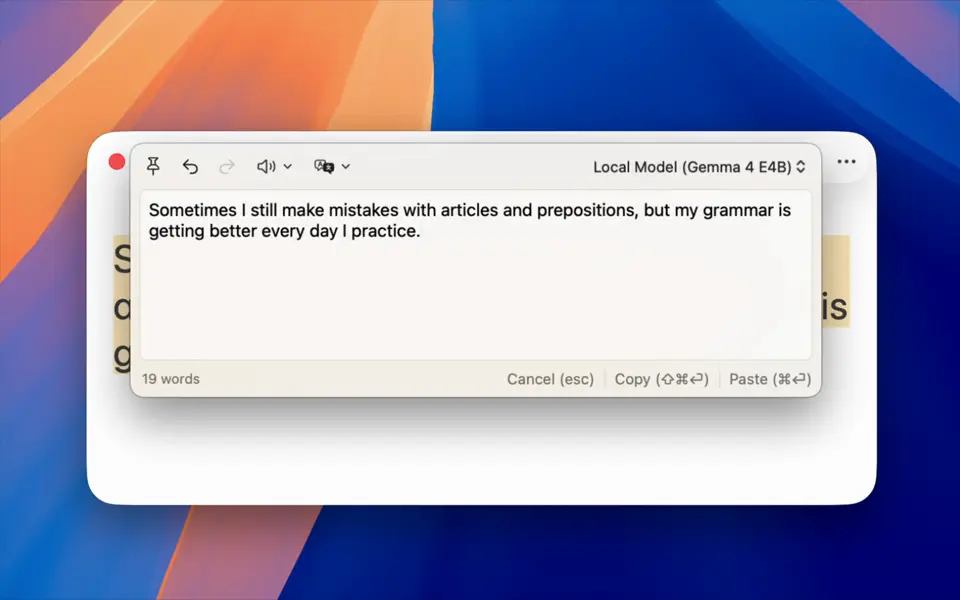
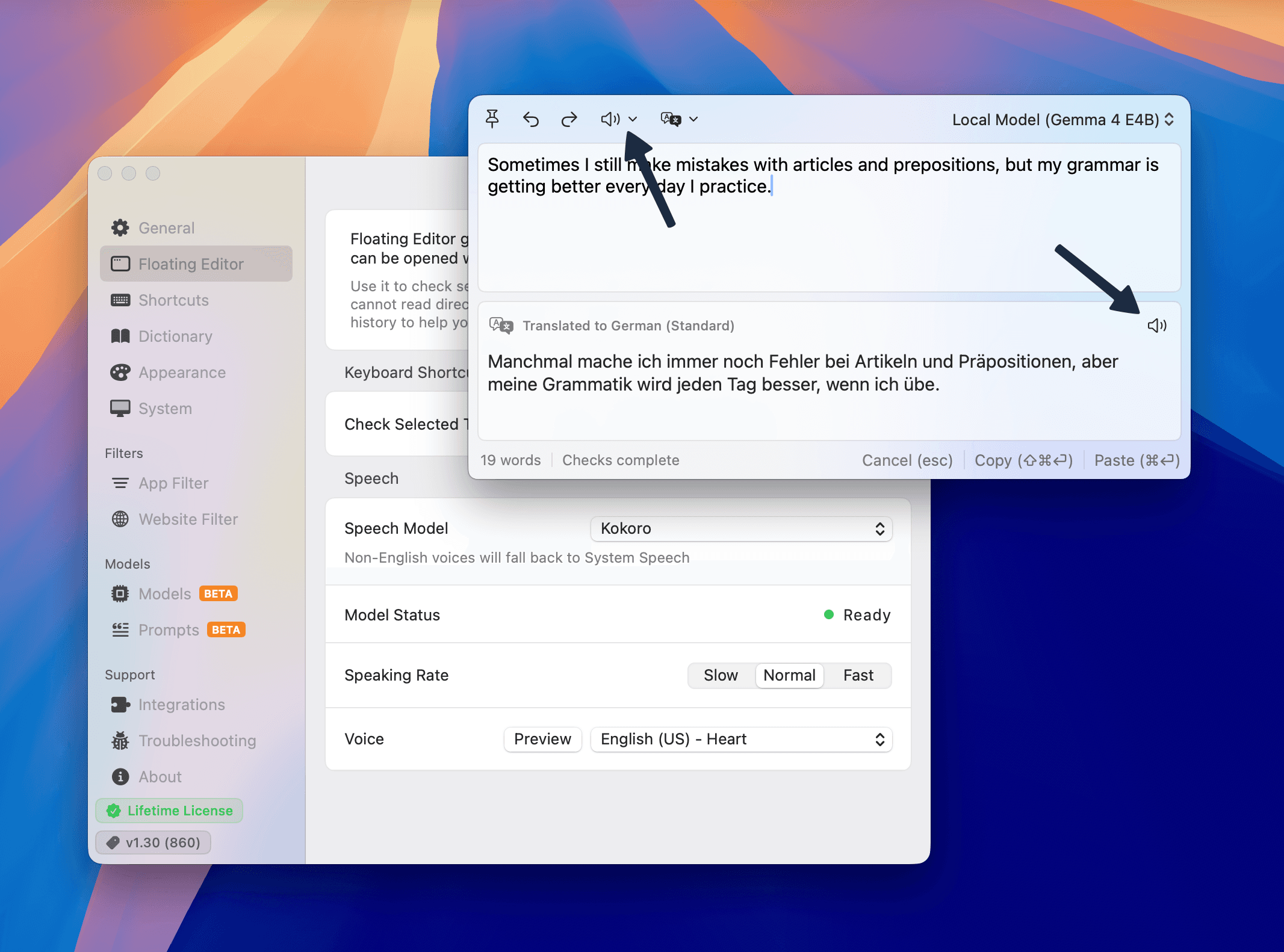
Listen to your original text or translated text, with controls for voice, language, model, and speed.
Refine supports many languages and regional variants, including multilingual writing and right-to-left text.
Refine supports these languages for grammar checks, fluency checks, explanations, and translation:
If the language you want is not listed, send us an email.
Choose which languages Refine should check and which languages it should leave alone.
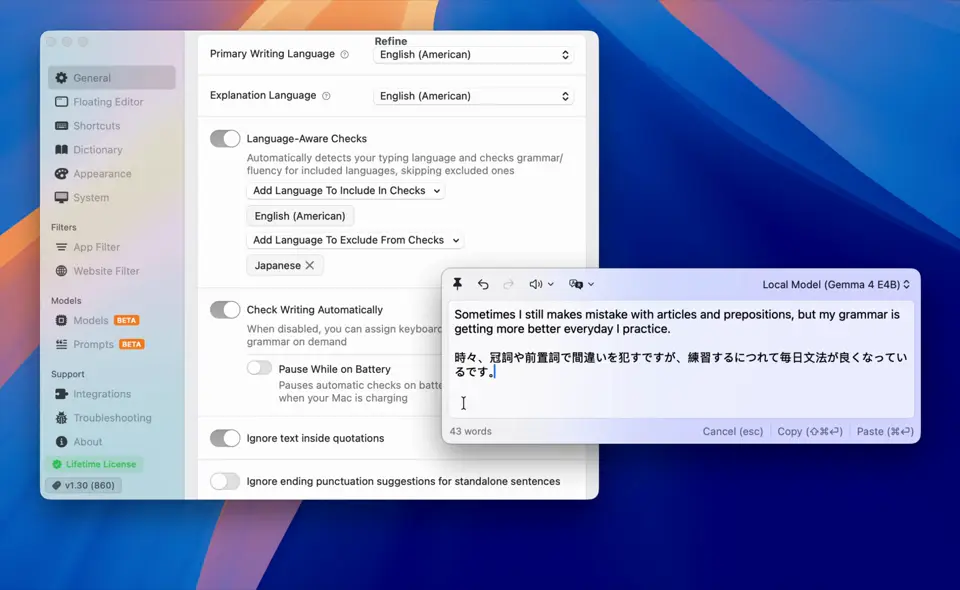
Stuck on a word? Write it in your native language, and Refine suggests the right wording in the language you are writing in, without leaving your app.
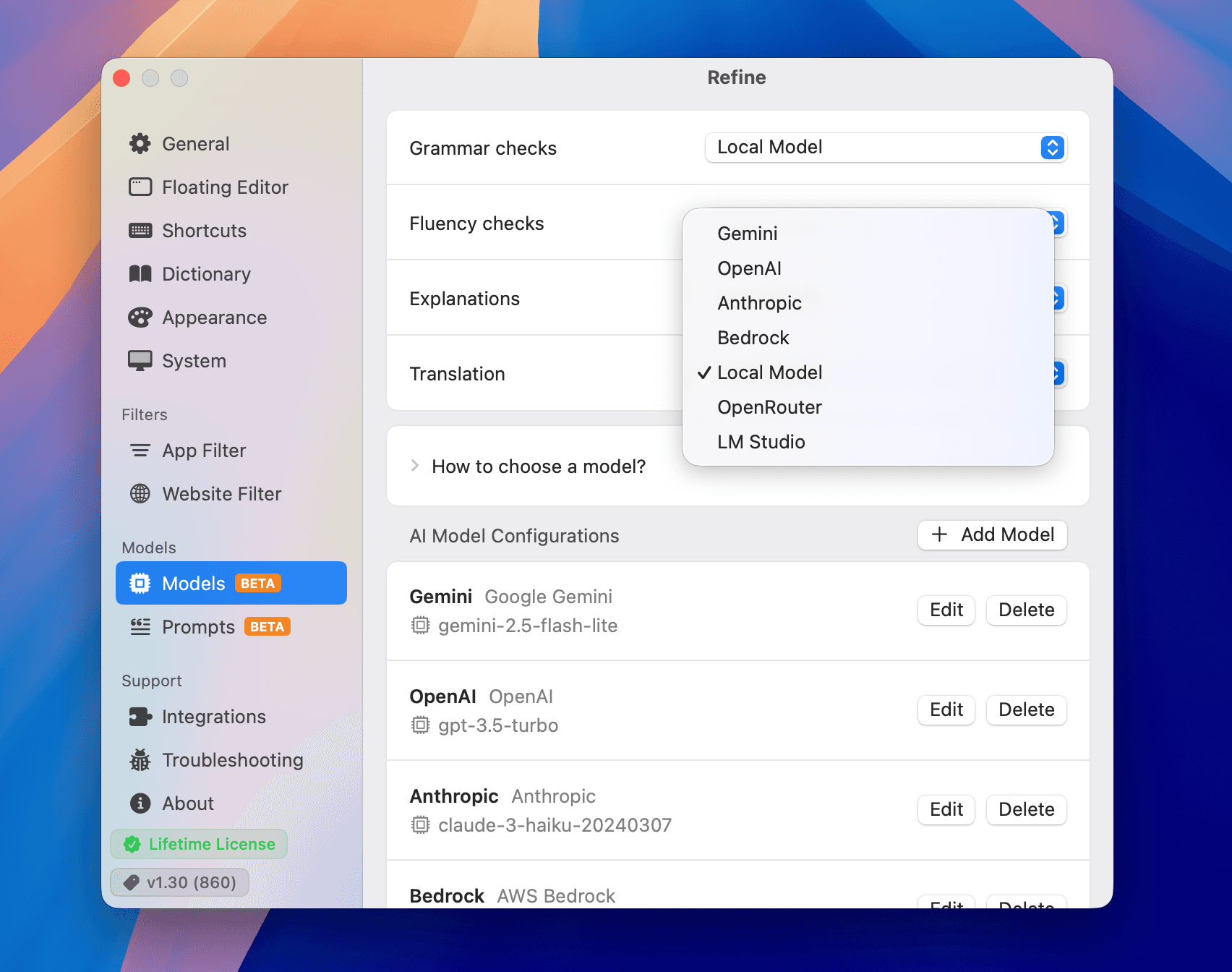
Refine can use local models for private, offline writing help. You can also connect your own AI providers when you want a different balance of speed, quality, or control.
Download a local model once, then run grammar and fluency checks entirely on your Mac.
Use your own API key for OpenAI, Anthropic, Gemini, OpenRouter, Bedrock, and compatible services, or connect local tools like Ollama and LM Studio.
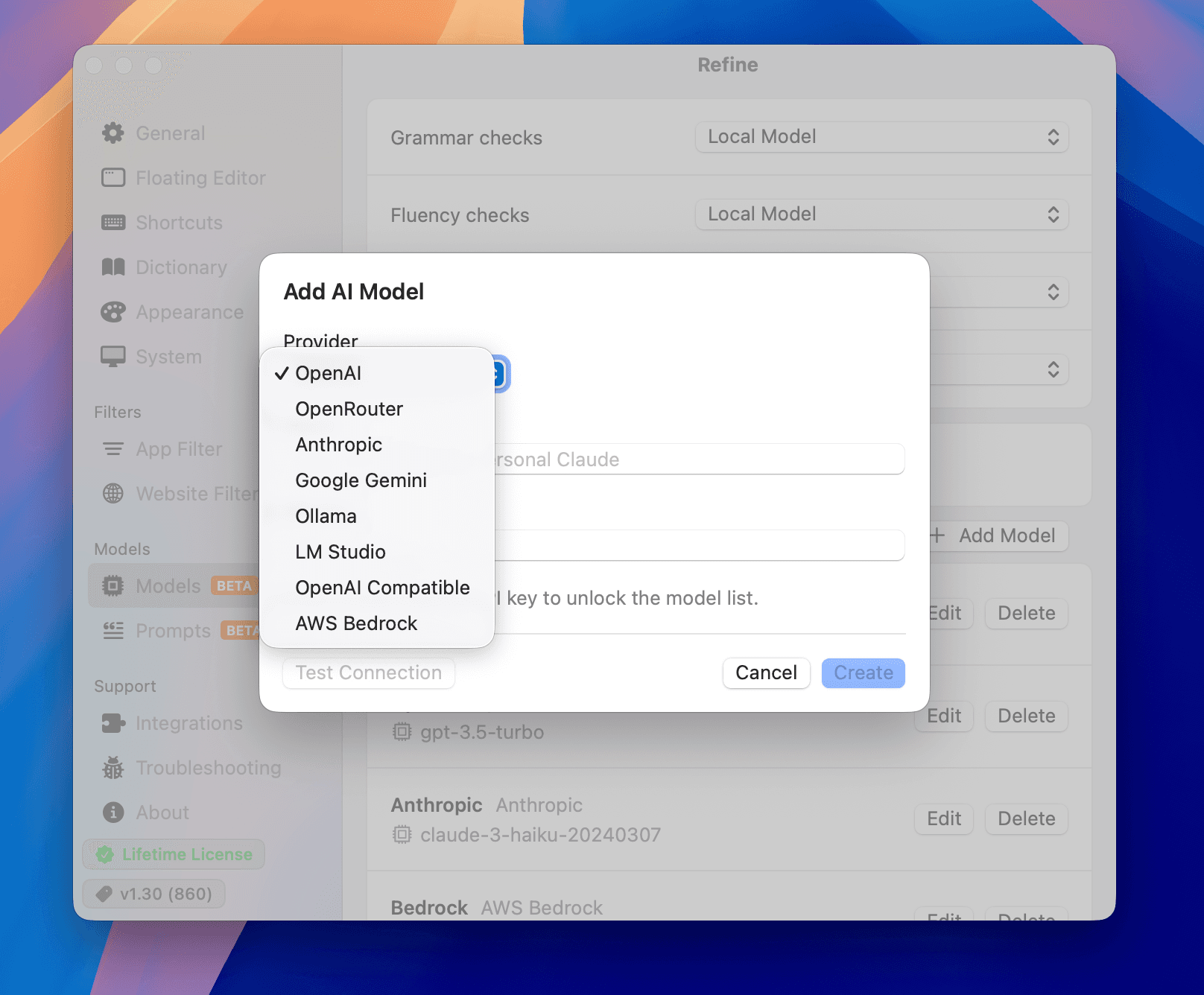
Choose different models for grammar, rewriting, explanations, and translation.
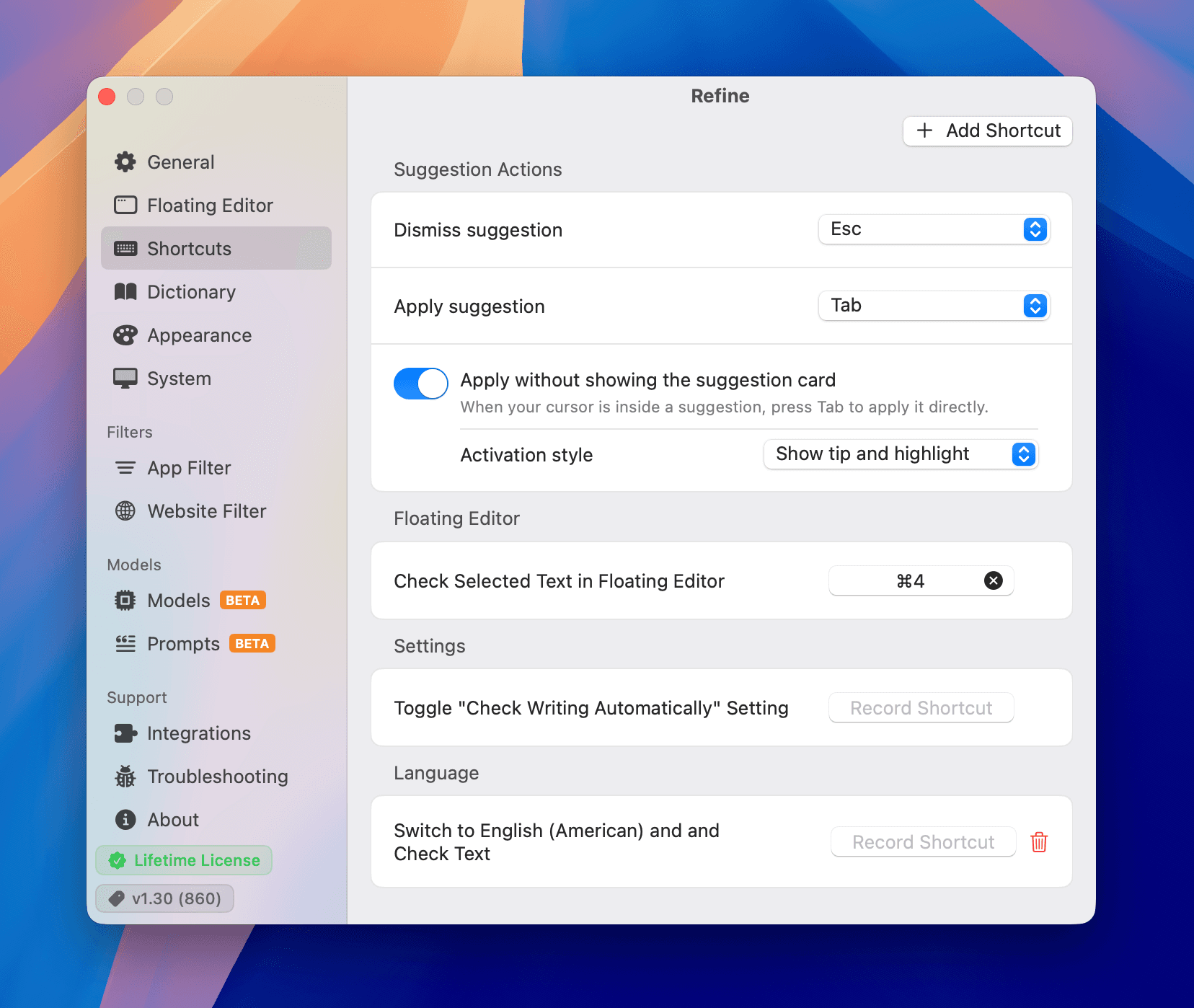
Refine gives you control over shortcuts, suggestions, appearance, custom instructions, ignored words, responsiveness, and battery use.
Create shortcuts for checking text, switching languages, handling suggestions, and opening the Floating Editor.
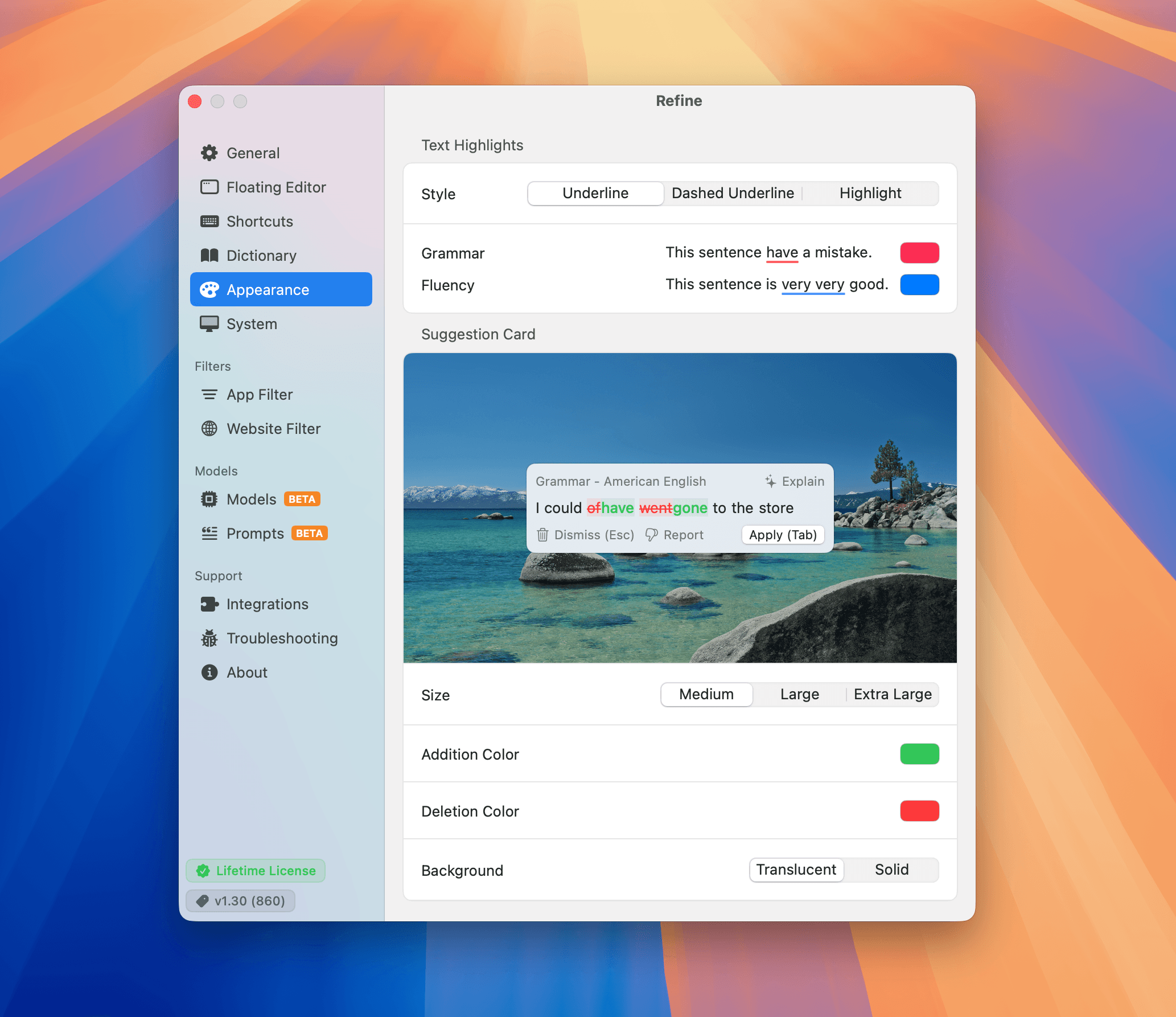
Customize highlights, suggestion cards, diff colors, and backgrounds so Refine feels comfortable in your workspace.
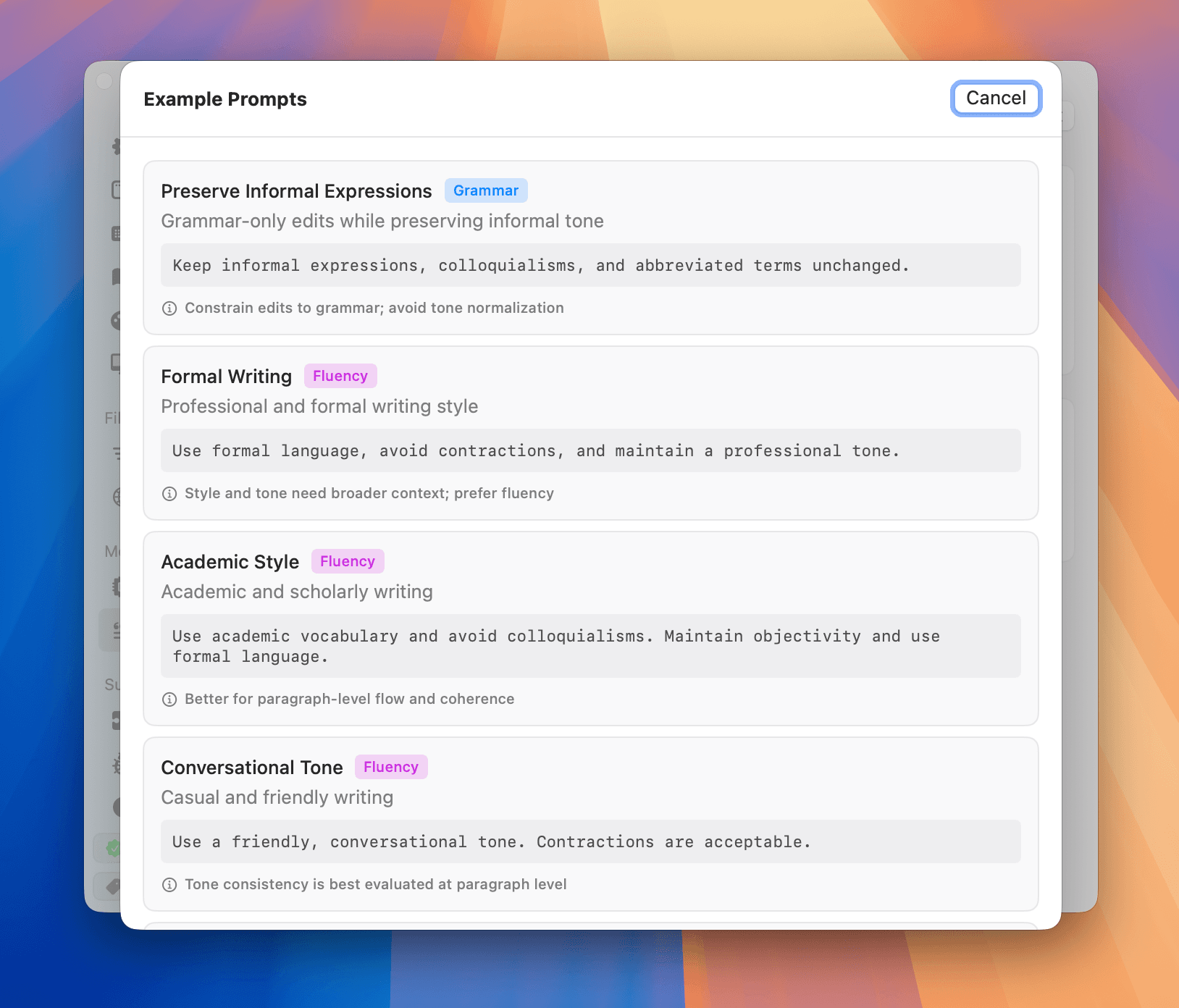
Add your own instructions for grammar and fluency checks, with rules for specific languages and apps.
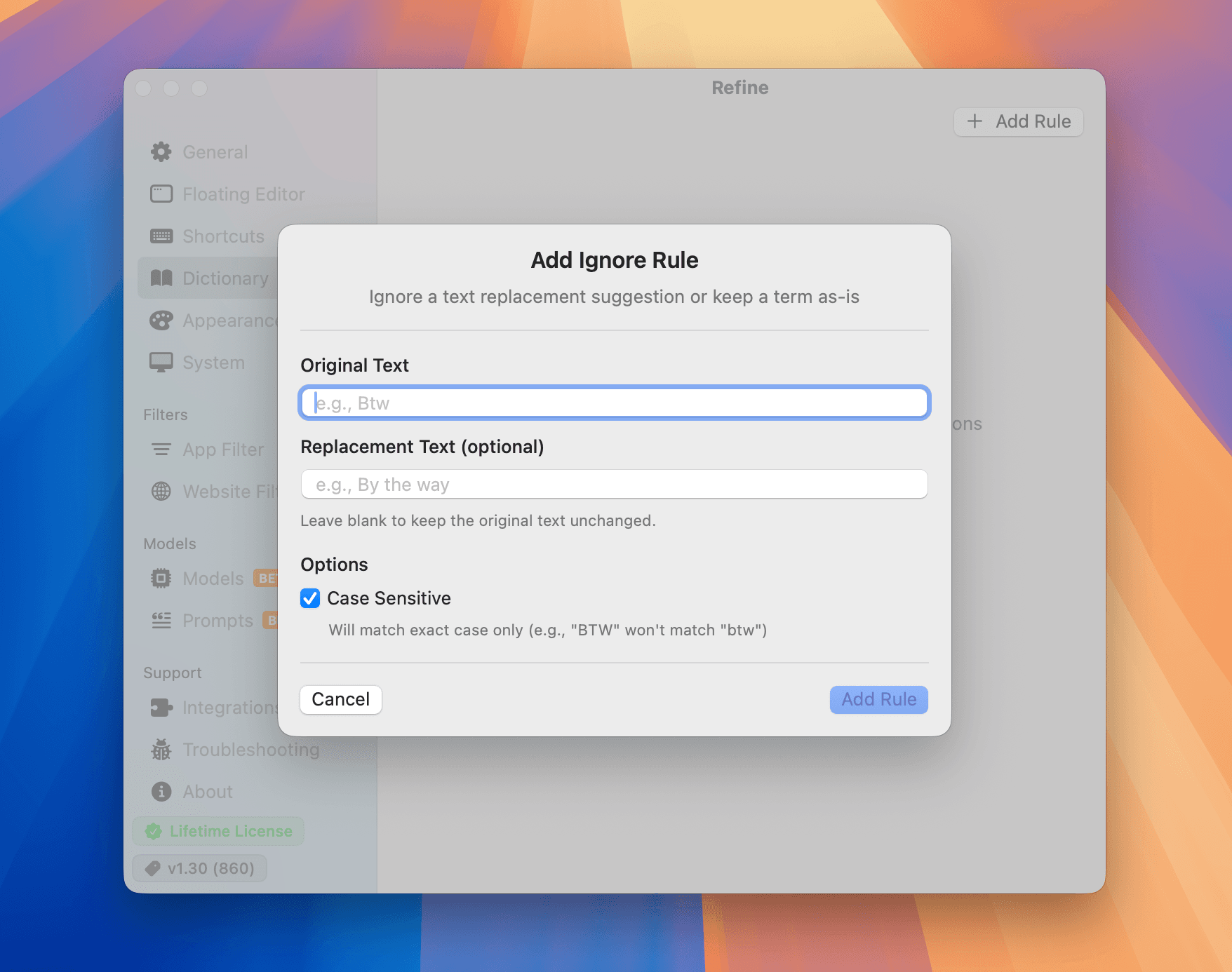
Keep specific words, names, terms, or preferred replacements exactly the way you want them.
Checks with a local model run on your Mac. If you choose a cloud AI service, your text goes directly to that service.
brew install --cask refinev1.39macOS 14+Free, no account